Panasonic IP Softphone
For Windows
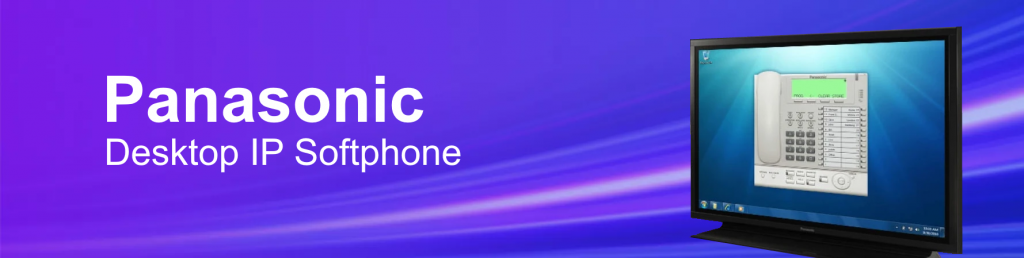
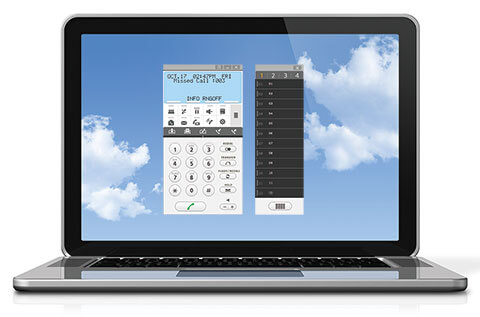
The Panasonic IP Softphone for Windows is a software application that transforms a Windows PC (Desktop, Laptop or Tablet) into a Panasonic Proprietary System Extension. It is like literally taking the physical phone on your desk and converting it to a virtual phone on your computer.
It allows users to make and receive calls using their computer’s audio and internet connection, essentially turning their PC into a Panasonic proprietary VoIP phone.
Yes! You can use a USB or Bluetooth Headset.
Functionality:
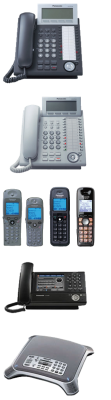
The IP Softphone emulates a Panasonic KX-NT136 IP telephone, providing similar features and functionality. But also includes two smaller sized Phone/Dialer screens to better fit your needs.
You can also take advantage of up to 48 One-Touch buttons for One-Click Dialing of External Phone Numbers, Other System Extensions and Direct Access to System Features like Call Park, Paging, etc.
Compatibility:
The Panasonic Windows IP Softphone is designed to work with Panasonic Hybrid-IP PBX systems, specifically the KX-TDA, KX-TDE, KX-NCP and KX-NS series.
Below you can download the actual application, a brochure, additional notes, and there’s even a link to an implementation video.

Download IP Softphone Brochure
This will provide a quick and concise overview of the Panasonic IP Softphone core features and benefits.
Download IP Softphone Application
This is the actual Zip File of the Panasonic IP Softphone you need to download and install (as per the next video below).
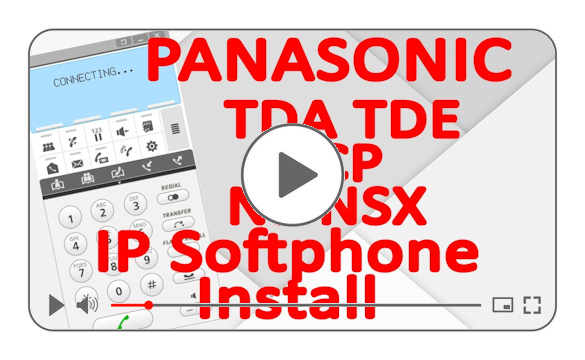
Watch Easy IP Softphone Setup Video
This video shows you step-by-step how to install, setup, connect and easily use the Panasonic IP Softphone.
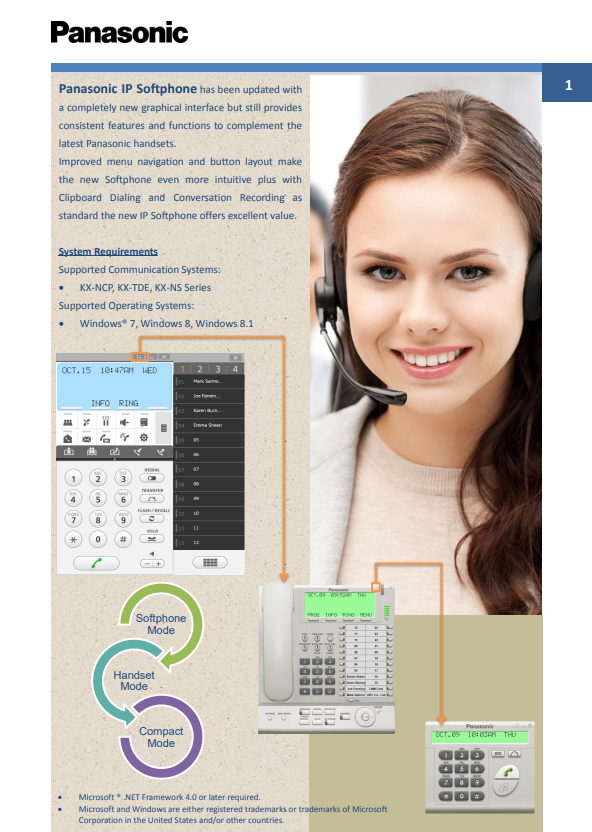
Great overview of the Panasonic IP Softphone with important notes and key button functionality insights.
 Texas Security License: B30914201